10 Best Thermal Receipt Printers for Business Buyers?
Choosing among the 10 Best Thermal Receipt Printers for Business Buyers requires more than comparing print speed. A busy café needs a printer that survives constant ticket printing, steam, grease, and cramped counter space. A retail store may value quiet operation, USB and Ethernet connectivity, cloud-ready workflows, and clean QR-code output. The best choice depends on the checkout environment.
Industry data shows why this category deserves careful evaluation. Smithers’ report, The Future of Thermal Papers to 2028, identifies continued demand for thermal printing across retail, hospitality, logistics, and healthcare. Grand View Research also reports steady growth in the global point-of-sale printer market, supported by mobile commerce and faster store operations. These reports indicate opportunity, but they do not guarantee that every model suits every business.
Greg Buzek, founder of IHL Group, has said, “The checkout experience is the last impression a customer has of a store.” That practical idea guides this selection. Each Thermal Receipt printer should be judged by real operating details: paper-loading time, cutter reliability, network stability, warranty support, and total cost per transaction. A specification sheet can look impressive. It can still disappoint during a Saturday rush. Print quality also matters when receipts carry loyalty links, refund instructions, or small barcodes. This guide compares leading models for different business conditions, while acknowledging one uncomfortable truth: the cheapest printer may become the most expensive equipment in the store.
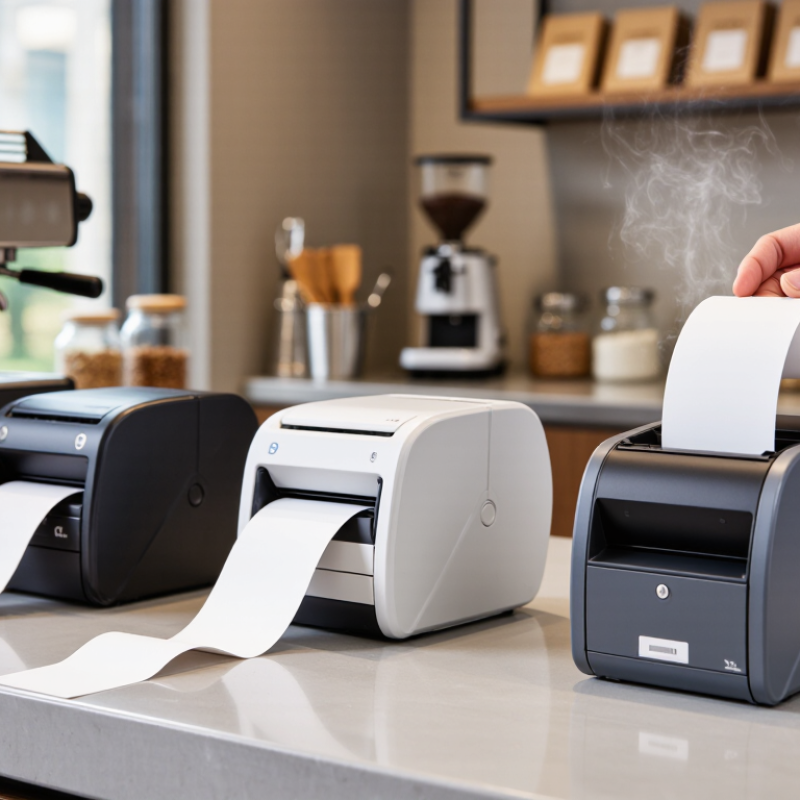
What Is a Thermal Receipt Printer and How Does It Work?
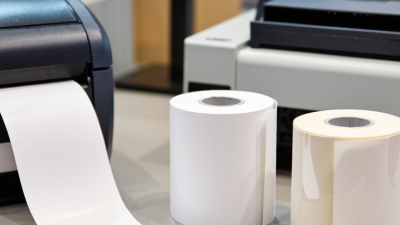
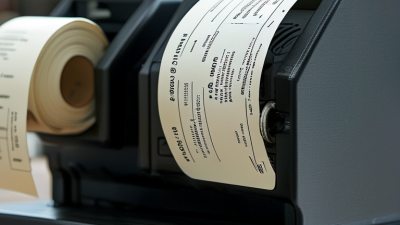
A thermal receipt printer creates text and graphics by applying heat to specially coated paper. It does not use ink cartridges or ribbons. Inside, a printhead contains many tiny heating elements. Each element warms selected dots as the paper moves across it. The coating darkens instantly, forming letters, totals, barcodes, and simple logos.
In daily business use, this process feels almost immediate. A cashier taps payment, and the receipt appears within seconds. The printer’s controller converts digital receipt data into heat patterns. Rollers then guide the paper at a steady speed. Sensors detect paper position and alert staff when the roll is empty. Clean paper paths matter. Dust can create pale lines or missing characters.
Direct thermal paper works well for short-term records, but heat and sunlight can fade it. Store rolls away from windows, heaters, and damp shelves. Paper quality also affects readability. Cheap rolls may curl, shed dust, or print unevenly. A practical test is simple: print several receipts during a busy period and inspect small numbers, totals, and barcodes. Thermal printers are not perfect. They can reduce maintenance, yet they depend heavily on compatible paper and careful storage.
The 10 Best Thermal Receipt Printers for Businesses
The 10 Best Thermal Receipt Printers for Businesses
Choosing among the 10 best thermal receipt printers requires more than comparing prices.
A busy checkout needs fast printing, clear text, and dependable paper feeding. Direct thermal models usually need no ink cartridges, which simplifies daily maintenance. Look for printing speeds above 150 millimeters per second and sharp output at common receipt widths. A compact design also helps when counter space is limited. Small details matter.
Cafes may value spill-resistant controls and quick paper loading. Retail stores often need stable USB, Ethernet, or wireless connections.
Mobile sellers should consider battery life, carrying weight, and Bluetooth reliability. Test the printer with your existing point-of-sale system before buying several units.
Compatibility problems can waste more time than a higher purchase price. I have found that an easy-to-open cover is surprisingly useful during a crowded shift.
Durability deserves careful attention.
Check the rated cutter life, warranty terms, and availability of replacement parts. A metal frame may withstand heavy use, but it can increase weight and cost. Energy-saving standby modes can reduce electricity use during quiet hours.
Some specifications look impressive but offer little value in a small shop. One practical mistake is choosing maximum speed when staff mainly need consistent, readable receipts. Also consider noise, because a loud printer can become irritating beside customers all day.
Testing paper quality in advance is wise; very thin rolls may curl, fade, or jam more often.
How to Choose the Right Printer for Your Business
How to Choose the Right Printer for Your Business
Choosing among the 10 best thermal receipt printers starts with your busiest transaction period. A café may need a compact 80-millimeter printer with a fast cutter. A mobile seller may value battery life and wireless stability more than speed. The 2024 Federal Reserve Diary reported that cash represented 16% of U.S. consumer payments in 2023. Receipts still matter, especially when customers need proof immediately.
Check the printer’s real output speed, not only its advertised maximum.
Ask whether it can handle several hundred receipts during a lunch rush without overheating. The paper width should match your invoices, returns policy, and storage needs. Also inspect connectivity. Ethernet suits fixed counters, while Wi-Fi or Bluetooth supports flexible layouts. I recommend testing connection recovery after a router restart. Small failures become expensive during busy hours.
Total cost deserves careful attention.
Compare paper usage, replacement cutters, power consumption, warranty coverage, and service availability. The U.S. Department of Energy notes that energy costs contribute significantly to commercial operating expenses, although one receipt printer uses relatively little power. That detail is easy to dismiss. It should not be. A low-priced printer may require frequent maintenance or produce unclear text after heavy use. Thermal paper quality matters too; faded barcodes can slow returns and frustrate staff. My own selection process would include a week-long trial, because specifications rarely reveal noise, paper loading difficulty, or unreliable wireless behavior.