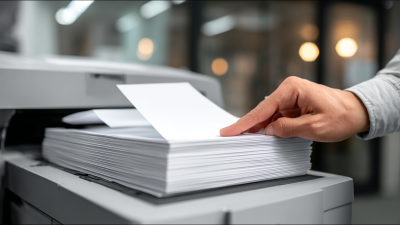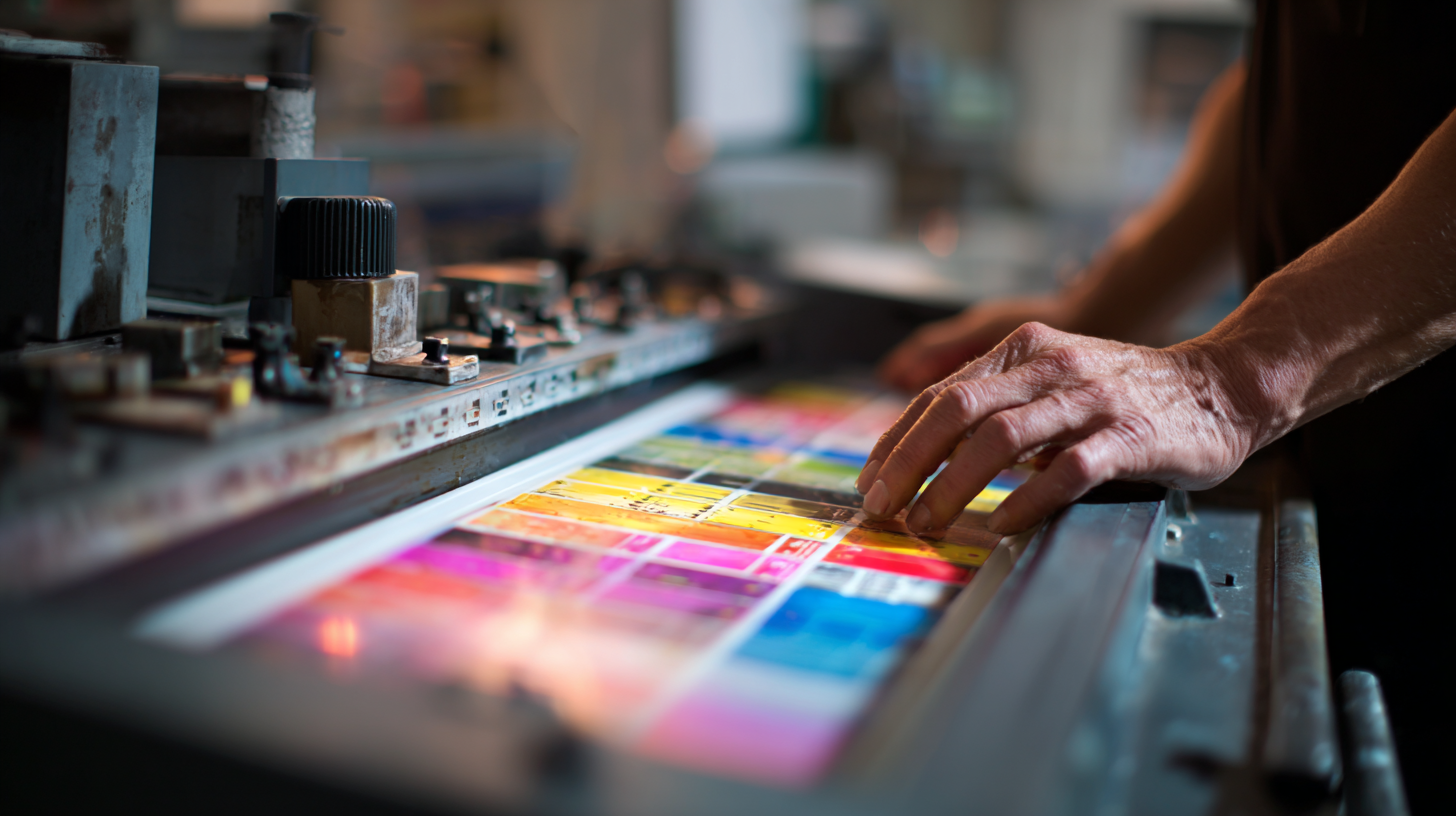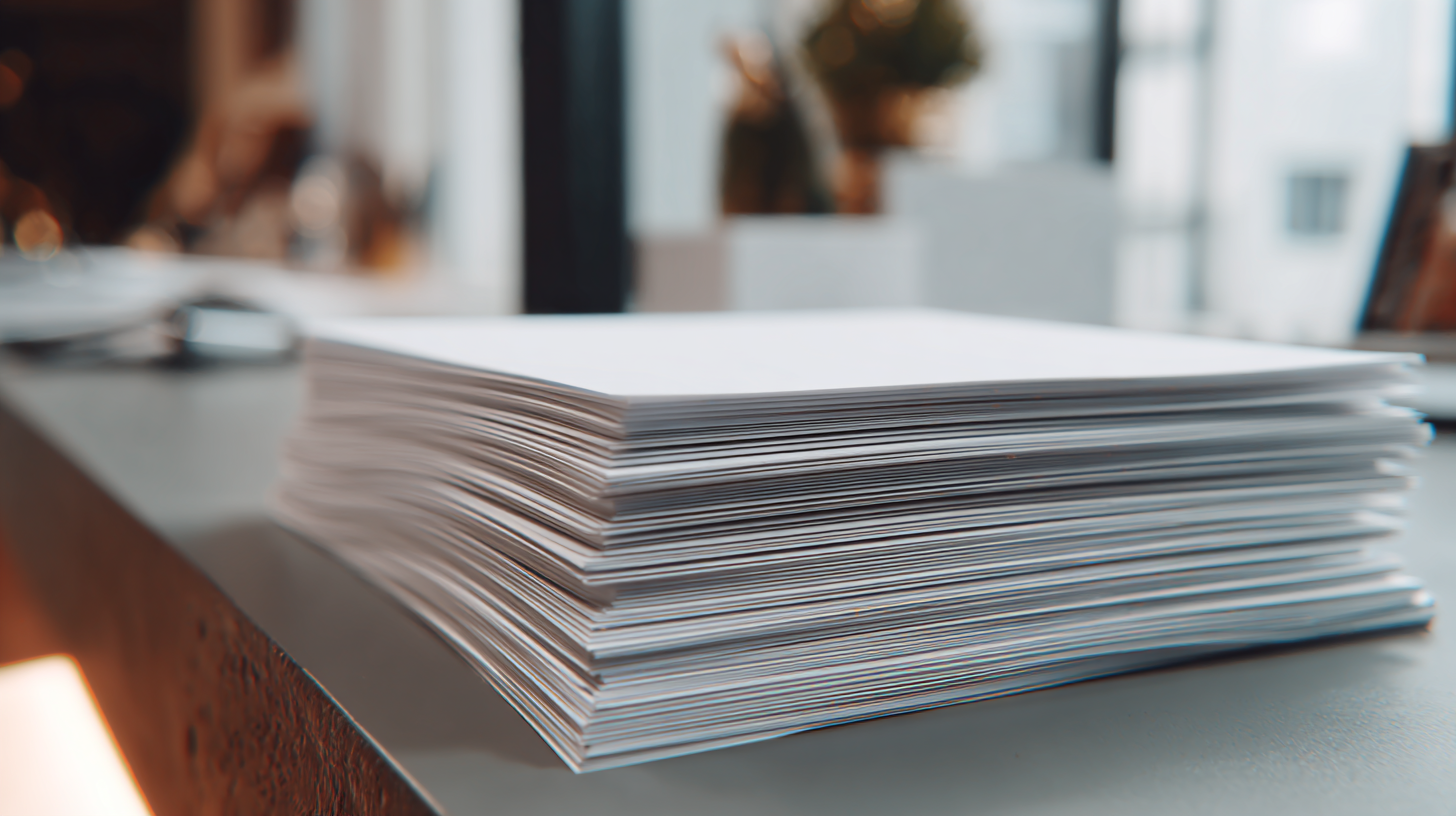
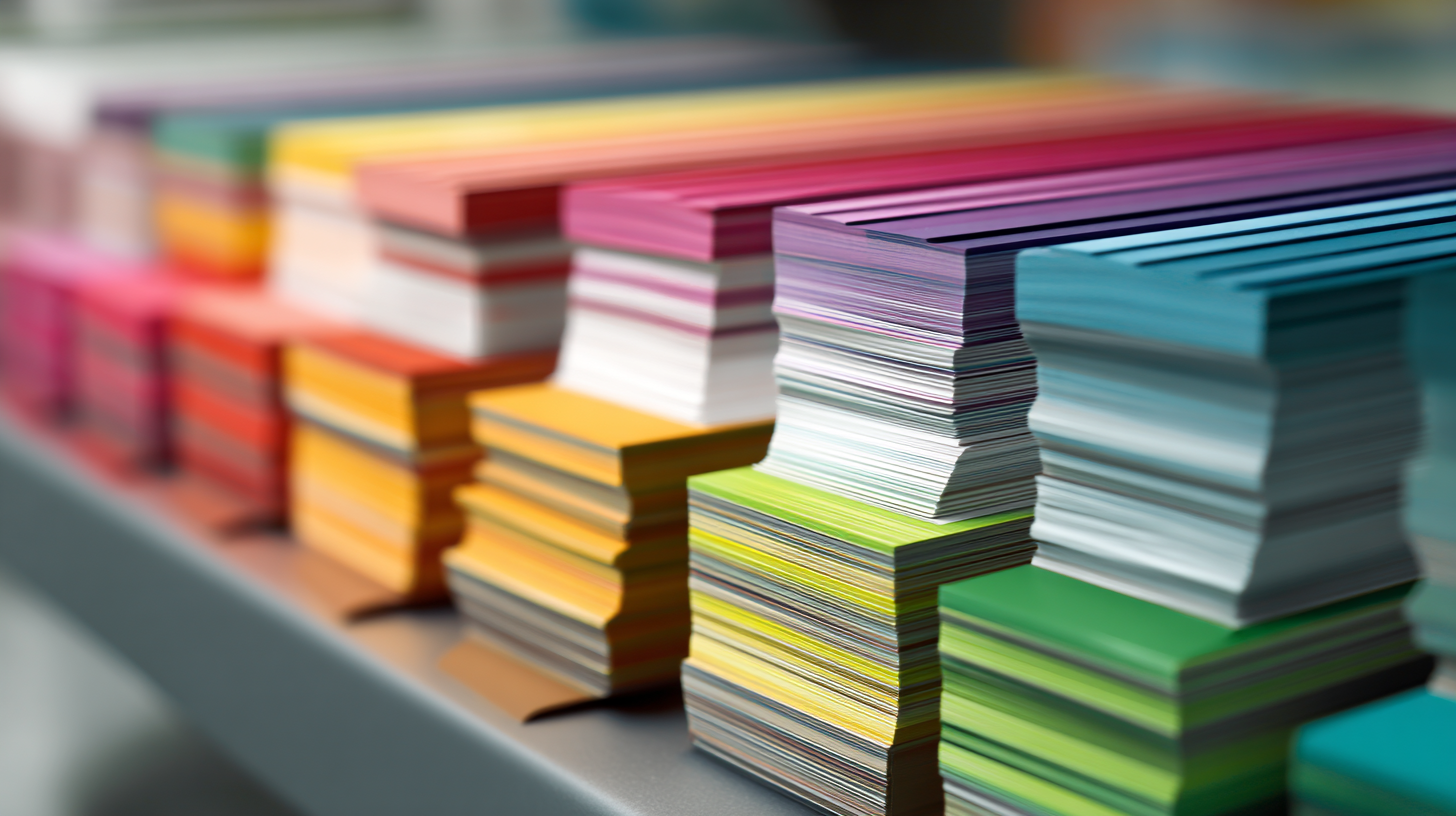
When it comes to achieving stunning prints, mastering the essentials of printing paper is crucial. Whether you’re a professional photographer, a graphic designer, or simply someone who enjoys printing at home, the type of paper you choose can make a significant impact on the final result. In this blog, we will explore five essential tips for selecting the best printing paper to ensure perfect prints every time. From understanding different paper weights and textures to knowing how to match your ink with the appropriate paper type, our guide will help you elevate your printing game. Join us as we delve into the world of printing paper, uncovering the best practices that guarantee vibrant colors, sharp details, and an overall professional finish in every print you create.
When it comes to achieving optimal results in printing, the type of paper you choose plays a crucial role. Different printing projects require specific paper characteristics to enhance color, texture, and durability. For instance, glossy paper is ideal for vibrant photographs, as it enhances color saturation and provides a professional finish. On the other hand, matte paper works well for presentations and documents where readability is key, as it reduces glare and offers a smooth writing surface.
Tip 1: Always match your paper to your printer type. Inkjet printers typically perform better with thicker, photo-quality papers, while laser printers excel on standard bond paper.
Tip 2: Consider the weight of the paper. Heavier weights are often more durable and provide a premium feel, but they may require adjustments in printer settings.
Tip 3: Don’t overlook the finish. A textured paper can add depth to printed materials, while a smooth finish allows for detailed graphics to pop. Select your paper thoughtfully to ensure every print meets your expectations.
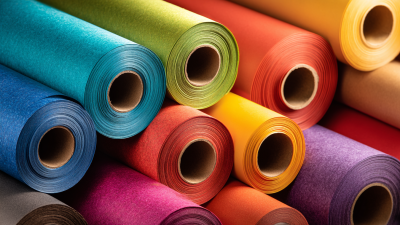
When it comes to achieving perfect prints, the weight and thickness of your paper play pivotal roles. Choosing the right paper weight can dramatically influence not only the look of your prints but also their functionality. For instance, a heavier weight paper, typically ranging from 24 to 32 lb, provides a premium feel and is ideal for professional presentations or important documents. This kind of paper helps to prevent ink bleed and ensures that colors appear vibrant and sharp.
On the other hand, if your printing needs revolve around everyday use, such as producing reports or handouts, a standard weight of 20 to 24 lb may suffice. This lighter paper is more economical and works seamlessly with high-volume printing. However, it’s essential to consider the thickness in conjunction with weight; thicker papers may require adjustments in your printer settings. By understanding the nuances between weight and thickness, you’ll be better equipped to select the perfect paper that meets your specific printing requirements and enhances the overall quality of your prints.
When it comes to achieving perfect prints, the choice of paper finish plays a crucial role. Glossy and matte papers each offer distinct advantages that cater to different printing needs. According to a report by the Printing Industries of America, glossy finishes are well-suited for vibrant color reproduction, making them ideal for photos and marketing materials. The reflective quality enhances color depth and provides a striking visual impact, which is why glossy papers tend to be favored in commercial photography and promotional print runs.
On the other hand, matte paper delivers a sophisticated, non-reflective finish that reduces glare and fingerprints, making it an excellent choice for high-end presentations, resumes, and art prints. Industries that prioritize subtlety and elegance often lean towards matte finishes, as evidenced by market trends highlighting an increasing demand for premium presentation solutions.
Tip #1: Consider the intent of your print before choosing a paper finish. If you aim for bold imagery, glossy paper might be your best bet. Tip #2: Test print samples on both paper types to see how they affect your design's colors and textures. Finally, Tip #3: Always check your printer's specifications to ensure it supports the paper finish you choose for the best results.
| Paper Type | Finish | Best Uses | Color Reproduction | Texture |
|---|---|---|---|---|
| Photo Paper | Glossy | Photographs, Brochures | Vibrant and Shiny | Smooth |
| Fine Art Paper | Matte | Art Prints, Gallery Displays | Rich and Subtle | Textured |
| Presentation Paper | Glossy | Presentations, Marketing Materials | Bright and Eye-Catching | Slick |
| Business Card Stock | Matte | Business Cards, Custom Cards | Professional | Smooth |
| Label Paper | Glossy | Product Labels, Stickers | Bright Colors | Slick |
When it comes to achieving perfect prints consistently, understanding how paper texture affects print quality and aesthetics is crucial. According to a report by the Printing Industries of America, approximately 70% of print quality is influenced by the paper used. The surface texture can enhance or detract from the vibrancy of colors, the crispness of details, and the overall visual appeal of printed materials. For instance, a smooth finish typically allows for sharper images, making it ideal for high-resolution graphics and photographs. In contrast, textured paper, such as linen or felt, can add a tactile dimension that enhances the viewer's experience, although it may also soften finer details.
Moreover, the choice of paper texture can significantly impact ink absorption and drying time. The Technical Association of the Pulp and Paper Industry notes that uncoated papers absorb more ink, which can lead to rich colors and depth. However, this may result in longer drying times and potential smudging if not managed properly. Conversely, coated papers often provide a more consistent ink transfer, producing vibrant colors but can risk over-saturation if the wrong paper weight is selected. Each paper type and finish yields unique results, making the understanding of paper texture not just a matter of preference but a pivotal factor in achieving the highest quality prints.
When it comes to achieving perfect prints, proper storage and handling of printing paper are often overlooked yet vital steps. According to the Printing Industries of America, approximately 30% of printing issues stem from improper paper handling and storage conditions. To maintain the quality of your paper, it’s essential to store it in a controlled environment. Ideal conditions include a temperature of around 70°F (21°C) and a relative humidity of 45-55%. Such an environment helps reduce the risk of moisture content fluctuations, which can lead to warping or curling.
Additionally, handling techniques play a critical role in preserving paper quality. It is advisable to wash hands before touching the paper to avoid transferring oils or dirt that can affect print quality. Moreover, using clean gloves can prevent fingerprints on the paper surface. The Specialty Graphic Imaging Association (SGIA) suggests always keeping paper in its original packaging until ready to use. This practice not only protects from dust and contaminants but also helps maintain the paper’s moisture balance, ensuring the best performance during printing. By following these expert tips, you can significantly enhance the longevity and printability of your materials.